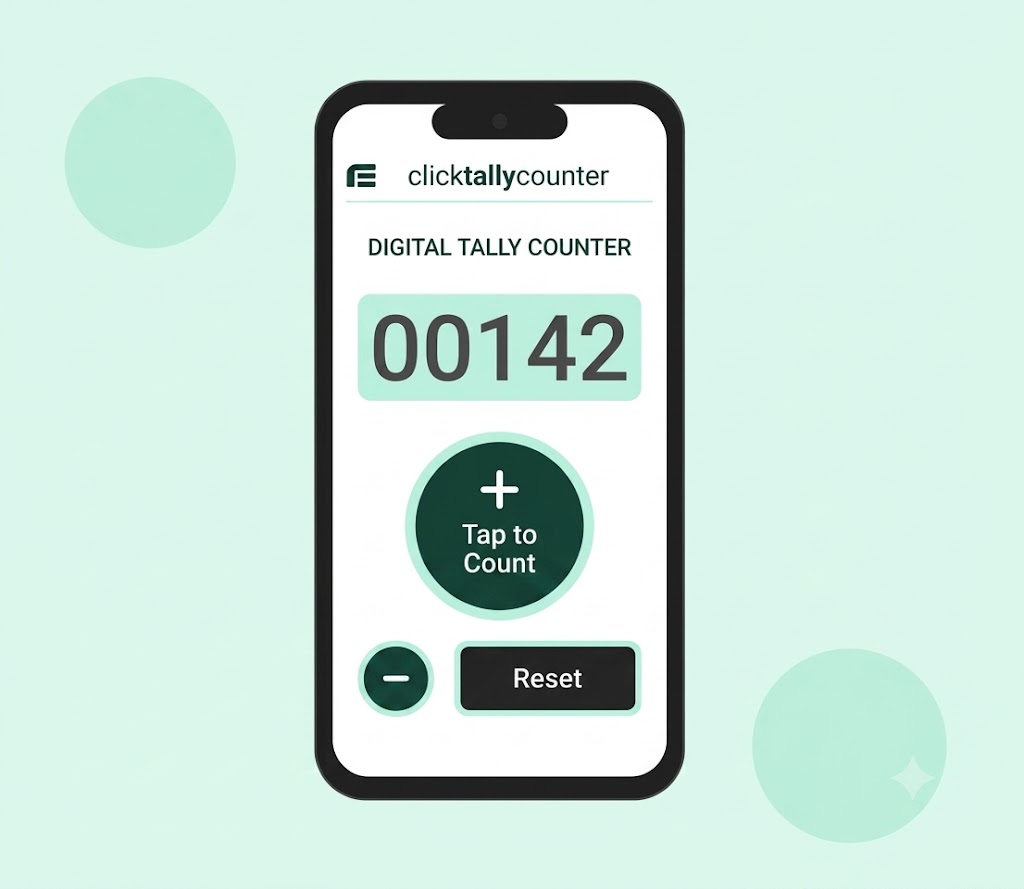

How to Count Laps Accurately: Running Track, Pool and Walking
How to count laps reliably on a running track, in a swimming pool and on a walking loop, with lap-to-distance

Click + to increase • Click - to decrease • Edit names by clicking the pencil icon
Welcome to ClickTallyCounter.com, the simplest, fastest, and most reliable tally clicker counter available online. Our free digital tally counter helps you count anything accurately and effortlessly — from people and products to exercises, prayers, and events.
Whether you are a student, teacher, professional, or simply need to keep track of repetitive tasks, our tally counter online provides a convenient, digital alternative to traditional manual clickers.
This user-friendly platform is designed for everyone who needs a real-time, accurate count, without downloads, sign-ups, or complicated settings.
Start counting immediately by clicking the “+” button to increase, “-” button to decrease, and “Add Counter” to track multiple items simultaneously.
A tally clicker counter (also known as a click counter tally or digital tally counter) is a simple counting device that lets you record numerical counts through clicks or taps. Traditionally, people used handheld mechanical tally counters, but now with the rise of digital technology, you can perform the same function instantly through your browser.
A tally counter is commonly used in various professional and personal activities, such as:
The ClickTallyCounter.com digital tool replaces traditional mechanical counters with a modern, responsive, and convenient online interface.
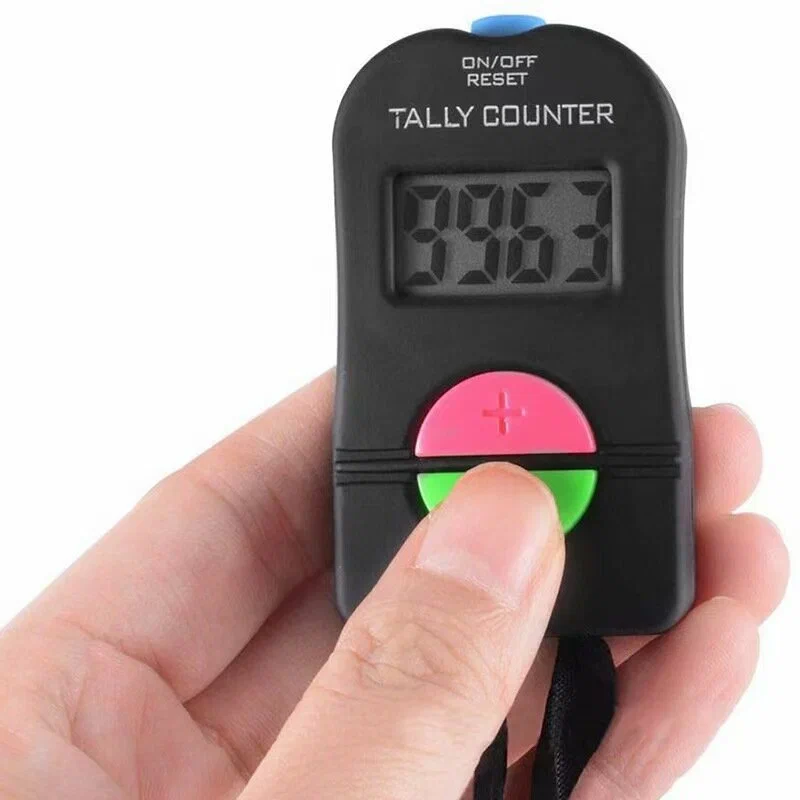
Our free tally counter is completely web-based, requiring no software installation or payment. It can be used immediately on any device with internet access.
Designed with simplicity in mind, users can easily increase, decrease, reset, and rename counters with just a few clicks. No registration or training is required.
Each click is recorded instantly. The counter tally system ensures precise tracking without missed counts or delays, ideal for both professional and casual use.
You can track multiple items or activities simultaneously by using the "Add Counter" feature. Each counter works independently and can be named individually.
Our tally counter online works perfectly across desktop computers, tablets, and smartphones. It adapts automatically to any screen size.
Since the counting data is stored locally in your browser, your information remains private and secure. No data is sent to external servers.
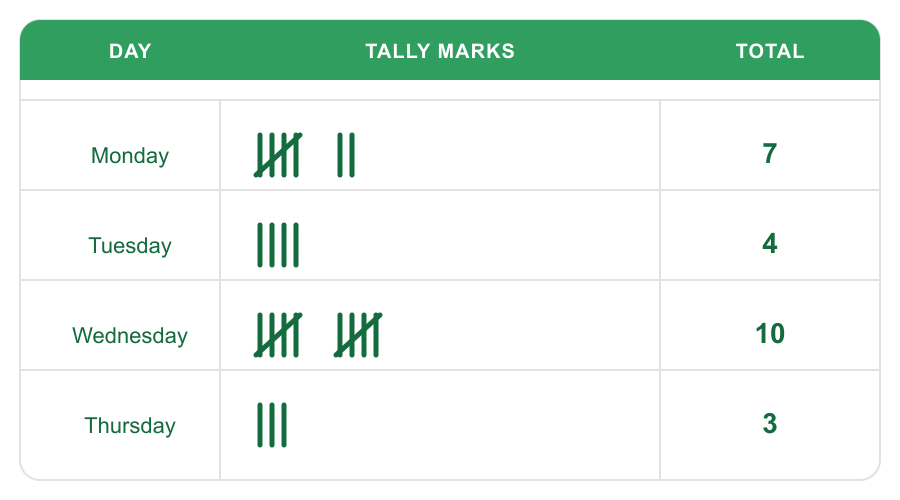
Tally marks are a traditional method of counting by drawing lines, with every fifth line crossing through the previous four. This manual method is still used in classrooms and data collection but is time-consuming and prone to human error.
Digital tally counters, such as ClickTallyCounter.com, eliminate the risk of miscounting, making counting faster, more precise, and easier to manage. You no longer need a notebook or physical counter—everything happens online, instantly.
Open ClickTallyCounter.com in your web browser. You’ll see a main counter labeled “Counter 1”, along with options to add new counters.
Click the “+” button to increase your count by one. Every click adds a number to your current count, shown clearly in the digital display.
If you make a mistake or need to adjust your tally, click the “–” button to subtract one from the current count.
Click the reset arrow icon to bring your counter back to zero. This is helpful when starting a new counting session.
Click the pencil icon next to each counter name to rename it. You can label counters based on their purpose, such as “Attendance,” “Sales,” “Push-ups,” or “Tasbih.”
Click “Add Counter” to create new counters for different tasks. For instance, you might track “People Entering,” “People Exiting,” and “Tickets Sold” simultaneously.
Your counts are automatically saved in your browser’s cache, allowing you to refresh the page or switch tabs without losing your progress.

See what happens inside a classic hand counter each time you press the button — the same idea our online counter recreates on screen. (Video by Quasar-Ed.)
Business owners, staff, and event organizers use digital tally counters for:
Teachers and students frequently use tally counters to:
Our tasbih digital counter feature allows users to:
Athletes and coaches rely on our tally clicker counter for:
Warehouse and production staff use our tally counter for:
Volunteers and event organizers use our tally counter for:
Individuals use ClickTallyCounter.com for simple daily tasks like:
| Feature | Description |
| Free Usage | 100% free and unlimited counting sessions. |
| Multiple Counters | Create and manage several counters simultaneously. |
| Editable Labels | Rename each counter for better organization. |
| Increase/Decrease Buttons | Adjust counts easily with a single click. |
| Instant Reset | Clear all data instantly when starting a new task. |
| Digital Display | Large, easy-to-read digital interface. |
| Local Storage | Automatically saves progress on your device. |
| Cross-Platform Compatibility | Works on Windows, macOS, Android, and iOS. |
| Lightweight Interface | Loads quickly without consuming resources. |
These features make it one of the most efficient and convenient online tally counters globally.
A responsive and simple click-based counter ideal for quick, one-touch counting.
Lets you track multiple datasets simultaneously. Each counter is independent and customizable.
Eliminates the need for hardware or apps. The digital counter works entirely in your browser.
A digital representation of tally marks, designed for easy reading and error-free calculations.
Perfect for religious or spiritual counting, enabling focus during prayers or meditation.
An online replacement for physical clickers — lightweight, portable, and always available.
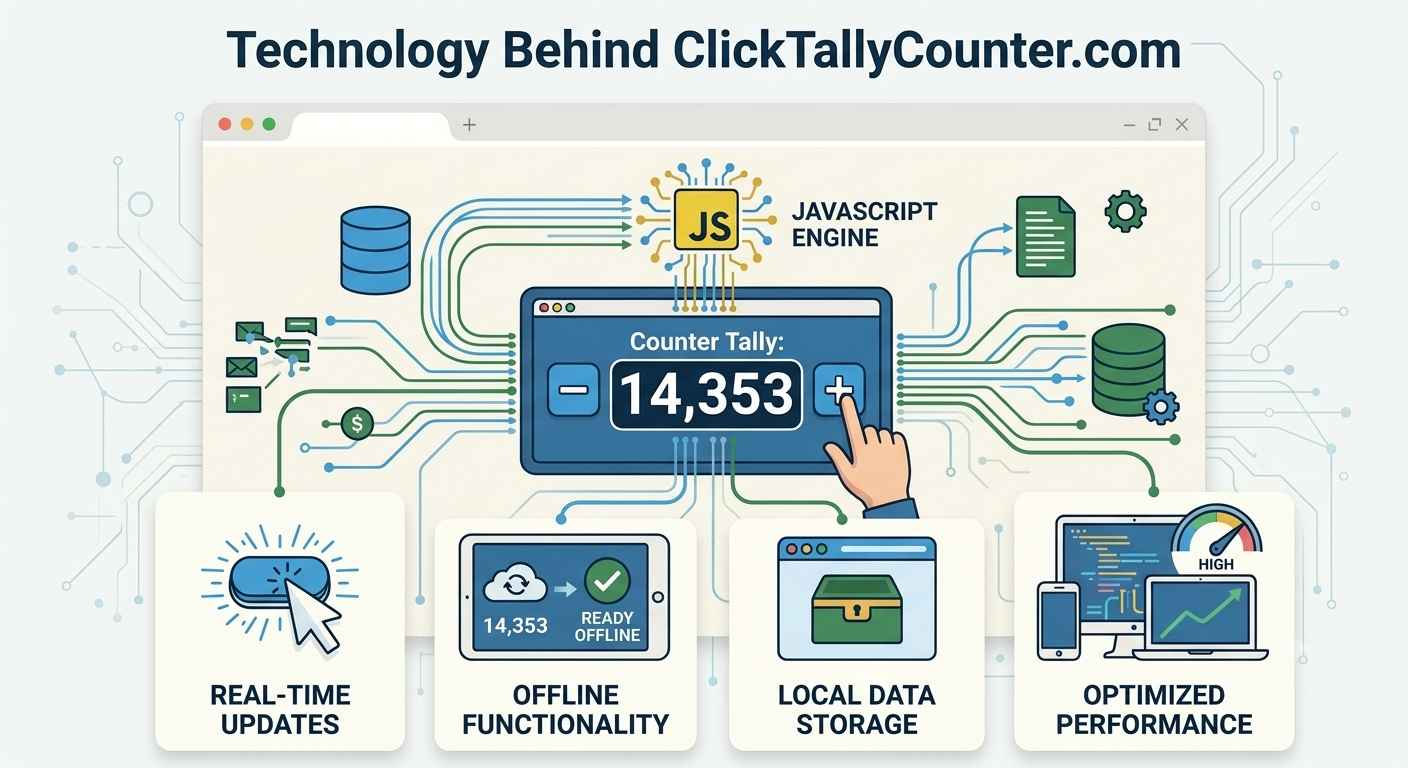
Our online counter tally tool uses modern web technologies to deliver a fast and stable experience. Built with lightweight JavaScript, it updates counts instantly and stores data locally using browser storage.
This combination of speed and reliability makes ClickTallyCounter.com one of the most advanced digital counting platforms on the web.
A simple digital counter perfect for tracking laps, items, attendance, and more. Free and easy-to-use.
Count instantly with large + and − buttons that respond the moment you tap. Perfect for inventory or crowd counting.
Reset a single counter with its reset icon, or use Reset All to start a fresh session while keeping your counter names.
Click the pencil icon to label each counter — for example “Visitors”, “Laps” or “Tasbih” — so you always know what you are counting.
Create and name multiple counters. Your counts are saved in your browser, so you can close the tab and resume anytime on the same device.
A tally counter is a digital or mechanical device used to count items, actions, or occurrences. ClickTallyCounter.com provides a free, browser-based version of this tool.
Simply click the “+” button to increase or “-” button to decrease your count. You can also reset or rename each counter as needed.
Yes, it’s a completely free tally counter online with no hidden charges, sign-ups, or limitations.
Yes. You can track different categories simultaneously by clicking “Add Counter.”
Yes, the site is fully responsive and optimized for both mobile and desktop users.
Absolutely. Your data is stored locally in your browser and never shared externally.
People around the world use ClickTallyCounter.com as a simple tally counter clicker for both online and offline tasks.
Counting doesn’t need to be complicated. Whether you’re tracking attendance, inventory, repetitions, or prayers, our free online tally counter offers everything you need for accurate, effortless counting.
Click below to start using the counter immediately:
Use the Free Online Tally Counter Now →
ClickTallyCounter.com brings you a next-generation tally clicker counter that combines simplicity, flexibility, and accuracy in one place. Whether you are managing data, exercising, or tracking spiritual routines, this digital tally counter helps you stay organized and efficient.
With a clean interface, instant performance, and multi-counter capabilities, it stands out as the most practical and professional tally counter online free available worldwide.
Start counting now — free, fast, and with complete control — at ClickTallyCounter.com.
How to count laps reliably on a running track, in a swimming pool and on a walking loop, with lap-to-distance
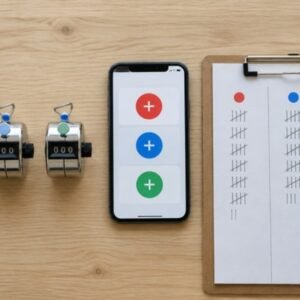
Counting one thing is easy: press once per item. Counting several things at the same time — adults and children
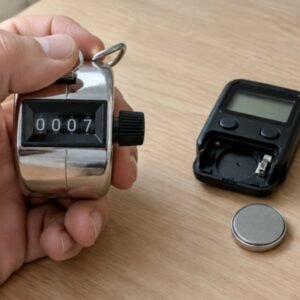
A tally counter is one of the simplest tools you can own, so it’s frustrating when it stops counting properly.